
UTM Parameters: A Simple Guide to Tracking Your Marketing Links
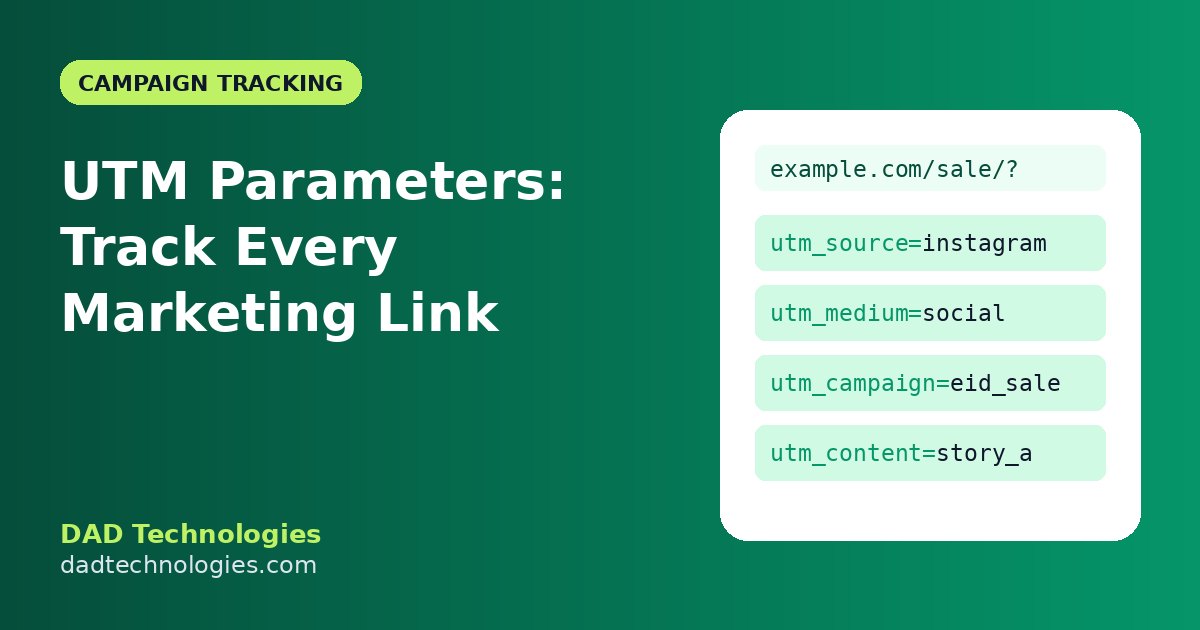
You post on Instagram, send a newsletter, run a WhatsApp broadcast and boost a Facebook post – and sales go up. But which one worked? Without tracking, you are guessing. UTM parameters solve this by tagging each link so Google Analytics can tell you exactly where visitors came from.
What are UTM parameters?
UTM parameters are short tags added to the end of a URL. They do not change the page; they only pass information to your analytics.
Example:
https://example.com/summer-sale/?utm_source=instagram&utm_medium=social&utm_campaign=summer_sale_2026When someone clicks this link, Google Analytics records the visit as coming from Instagram, via social, for the summer_sale_2026 campaign.
The five UTM parameters
| Parameter | Required? | What it means | Example |
|---|---|---|---|
| utm_source | Yes | Where the traffic comes from | facebook, google, newsletter |
| utm_medium | Yes | The type of channel | cpc, social, email |
| utm_campaign | Yes | The campaign name | eid_sale_2026 |
| utm_term | Optional | Paid keyword | running_shoes |
| utm_content | Optional | Which ad or link version | video_ad_a, footer_link |
How to build a UTM link in seconds
Typing UTM links by hand leads to typos and inconsistent names. Use our free UTM Campaign URL Builder:
- Paste the page URL.
- Fill in source, medium and campaign.
- Add term or content if needed.
- Copy the finished link.
Naming rules that keep your data clean
Analytics treats Facebook, facebook and fb as three different sources. Follow simple rules:
- Use lowercase for everything.
- Use underscores or hyphens, not spaces.
- Pick one name per channel and write it down, for example always
facebook, neverfb. - Use standard mediums so Google Analytics groups traffic correctly:
cpcorpaid_socialfor paid ads,socialfor organic posts,emailfor newsletters,referralfor partner links. - Include a date or season in campaign names, such as
black_friday_2026.
A shared spreadsheet listing your approved sources, mediums and campaign names saves a lot of confusion when several people create links.
Where to use UTM links
- Organic social posts, bios and stories
- Email newsletters and automated emails
- WhatsApp and SMS broadcasts
- Influencer and affiliate links (give each influencer a unique
utm_content) - QR codes on flyers and packaging
- Paid ads on platforms that don’t auto-tag
Google Ads can tag links automatically through auto-tagging, so you normally don’t need manual UTMs there.
Where NOT to use UTM links
Never use UTM parameters on internal links within your own website. They overwrite the original source of the visit and make your reports inaccurate.
How to read UTM data in Google Analytics 4
- Open Reports → Acquisition → Traffic acquisition.
- Change the primary dimension to Session source / medium or Session campaign.
- Add conversions or revenue columns to see which campaigns actually sell.
Bonus: shorten long links
UTM links can look long and messy, especially on social media. Use a link shortener or a clean redirect on your own domain. Keep page URLs themselves short and readable with the URL Slug Generator.
Frequently asked questions
Do UTM parameters affect SEO?
No, as long as you only use them for external campaign links. Your pages should have canonical tags pointing to the clean URL.
Are UTM parameters case-sensitive?
Yes. Keep everything lowercase.
Do I need all five parameters?
Source, medium and campaign are the essentials. Term and content are optional.
Why don’t I see my UTM campaign in analytics?
Check for typos, redirects that strip parameters, and allow up to 24–48 hours for data to appear.
Want a full tracking setup with GA4, pixels and conversion events? DAD Technologies can set it up for your website or store.