
WhatsApp Business Automation: A Beginner’s Guide
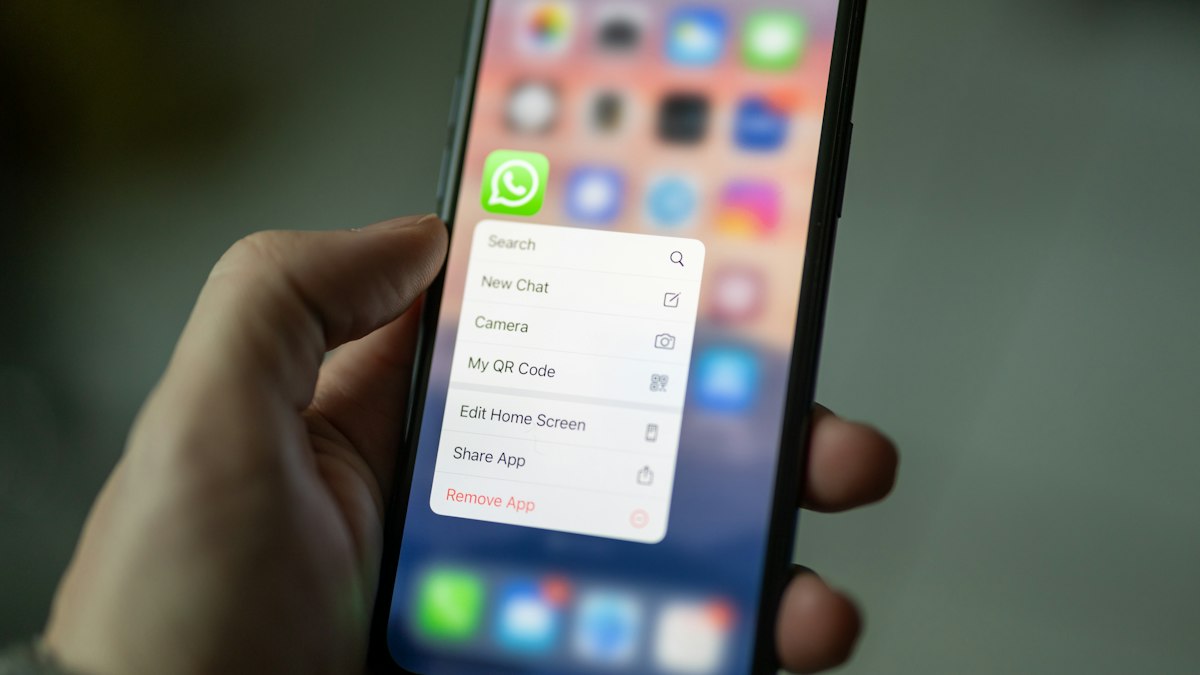
For many businesses, WhatsApp is where customers ask questions, confirm orders and request support. As message volume grows, answering every chat manually becomes difficult. Automation helps you reply faster, stay organised and give customers a consistent experience without losing the personal touch.
WhatsApp Business app vs. WhatsApp Business Platform
The free WhatsApp Business app is designed for small businesses. It runs on a phone and includes a business profile, catalogue, labels, quick replies, greeting messages and away messages.
The WhatsApp Business Platform (often called the API) is designed for growing and larger businesses. It connects WhatsApp to software such as CRMs, chatbots and order systems, supports multiple agents and allows automated notifications using approved message templates. It usually requires a provider or developer to set up and has its own pricing.
Start with the built-in automation tools
Business profile
Complete your profile with your business description, address, hours, website and email. Customers check this before messaging, and a complete profile looks more trustworthy.
Greeting message
Set a greeting message that is sent automatically when a customer messages you for the first time or after a period of inactivity. Welcome them, explain what you can help with and set expectations about reply times.
Away message
Outside business hours, an away message tells customers when you will respond. You can schedule it to match your opening hours so nobody feels ignored.
Quick replies
Quick replies are saved answers to frequent questions, triggered with a shortcut. Create them for prices, delivery times, payment methods, location and return policy. Personalise them slightly before sending so they do not feel robotic.
Catalogue
Add your products or services with photos, prices and descriptions. Customers can browse inside WhatsApp and you can share items directly in a chat, which shortens the path to purchase.
Labels
Labels such as “New customer”, “Pending payment”, “Order confirmed” and “Delivered” help you track conversations and follow up at the right time.
When to move to the WhatsApp Business Platform
- Several team members need to answer chats at the same time.
- You want automatic order confirmations, shipping updates or appointment reminders.
- You want to connect WhatsApp to your online store or CRM.
- You receive many repetitive questions that a chatbot could answer.
Common automation workflows
- Order updates: send confirmation, dispatch and delivery messages automatically from your store.
- Cart reminders: remind customers who opted in about items left in their cart.
- Appointment reminders: reduce no-shows for clinics, salons and consultants.
- FAQ chatbot: answer common questions instantly and hand over to a person when needed.
- Lead qualification: ask a few questions before connecting the customer with the right team member.
Follow WhatsApp’s rules
Only message customers who have given permission, respect opt-out requests and avoid spammy promotional messages. Business-initiated messages on the Platform must use approved templates. Breaking these rules can lead to your number being restricted, so build automation around genuine customer needs.
Keep the human touch
Automation should make it easier for customers to get help, not harder. Always provide a simple way to reach a person, keep automated messages short and friendly, and review conversations regularly to improve your answers.
Getting started checklist
- Install WhatsApp Business and complete your profile.
- Set greeting and away messages.
- Create quick replies for your ten most common questions.
- Add your catalogue.
- Set up labels for your sales process.
- Review volume after a month and decide whether you need the Platform.
Even simple automation can save hours each week and make customers feel looked after. Start small, measure response times and customer feedback, and add more advanced workflows as your business grows.